CardCrop for iPhone
From capture
to a cleaner listing.
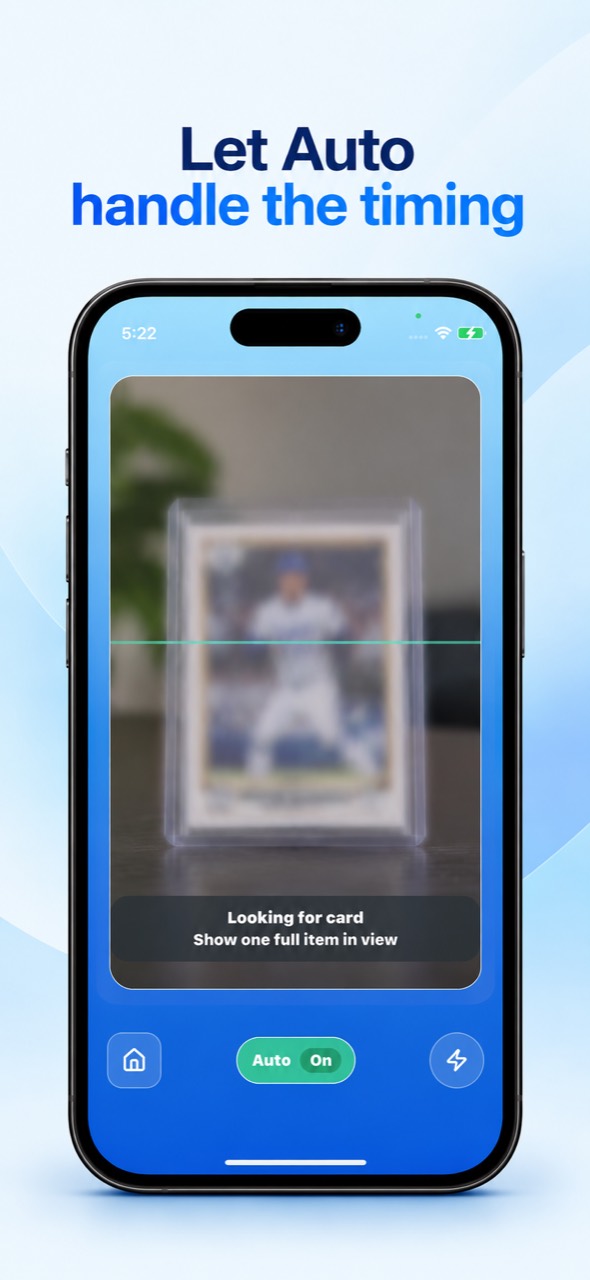
Choose Manual or Auto, frame one card clearly, and review the image before saving. Your photos stay on your device unless you choose to share them.
- Frame. Give the card clear edges and even light.
- Capture. Take a photo manually, or let Auto handle the timing.
- Review. Check the crop and the card details.
- Export. Save or share from Recent Exports.